


grafq (short for “graph query”) lets you query Neo4j/AWS Neptune databases via an interactive console.
🤔 Motivation
I wrote grafq to make it easier to interact with the graph databases we use at
work from the command line. I use it to quickly experiment with queries and, at
times, benchmark them. It also lets me page through results or persist them to
the local filesystem.
💾 Installation
homebrew:
brew install dhth/tap/grafq
cargo:
cargo install grafq
⚡️ Usage
grafq operates in two modes: “console” and “query”.
# open console mode with "page results" feature turned ON
grafq console -p

# open console mode with "write results" feature turned ON
grafq console -w

# execute a one off-query
grafq query 'MATCH (n: Node) RETURN n.id, n.name LIMIT 5'

# read query from stdin
cat query.cypher | grafq query -

# benchmark a query 10 times with 3 warmup runs
cat query.cypher | grafq query - -b -n 10 -W 3

# write results to a local file in csv format
cat query.cypher | grafq query - -w -f csv
Console Mode
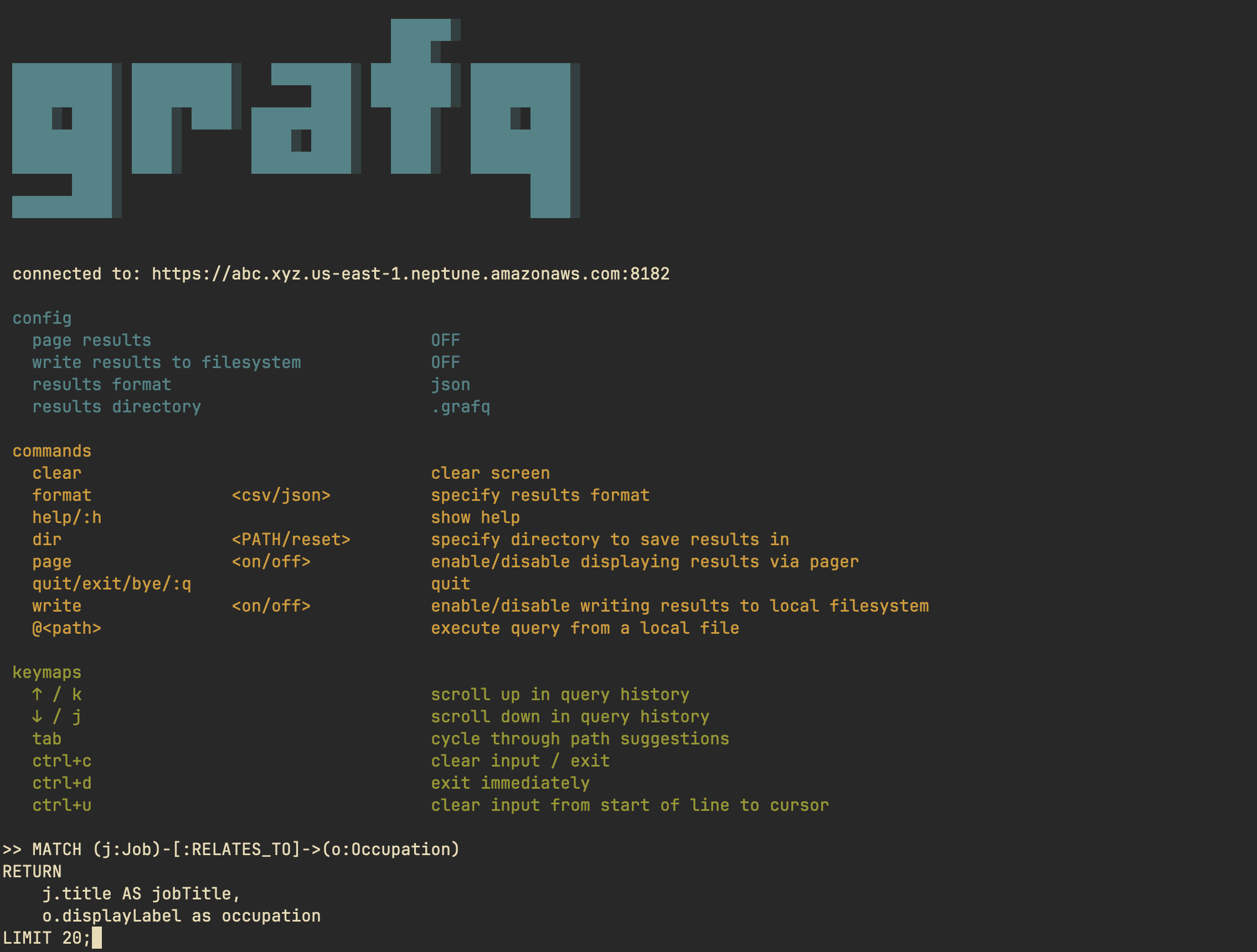
“console mode” lets you execute queries repeatedly via an interactive console. You can either print the results in the console, or have them piped through a pager. Additionally, you can also write the results to your local filesystem.
grafq console -h
Open grafq's console

Usage: grafq console [OPTIONS]

Options:
  -p, --page-results             Display results via a pager ("less", by default, can be overridden by $GRAFQ_PAGER)
  -w, --write-results            Write results to filesystem
  -d, --results-dir <DIRECTORY>  Directory to write results in [default: .grafq]
      --debug                    Output debug information without doing anything
  -f, --results-format <FORMAT>  Format to write results in [default: json] [possible values: csv, json]
  -h, --help                     Print help
Console Commands
| Command | Args | Description |
|---|---|---|
clear | clear screen | |
format | csv / json | specify results format |
help / :h | show help | |
dir | <PATH> / reset | specify directory to save results in |
page | on / off | enable/disable displaying results via pager |
quit / exit / bye / :q | quit | |
write | on / off | enable/disable writing results to local filesystem |
@<path> | execute query from a local file |
Console Keymaps
| Keybinding | Description |
|---|---|
↑ / k | scroll up in query history |
↓ / j | scroll down in query history |
tab | cycle through path suggestions |
ctrl+c | clear input / exit |
ctrl+d | exit immediately |
ctrl+u | clear input from start of line to cursor |
Query Mode
“query mode” is for running one-off queries or for benchmarking them.
grafq query -h
Execute a one-off query

Usage: grafq query [OPTIONS] <QUERY>

Arguments:
  <QUERY>  Cypher query to execute

Options:
  -p, --page-results                    Display results via a pager ("less", by default, can be overridden by $GRAFQ_PAGER)
  -b, --bench                           Whether to benchmark the query
      --debug                           Output debug information without doing anything
  -n, --bench-num-runs <NUMBER>         Number of benchmark runs [default: 5]
  -W, --bench-num-warmup-runs <NUMBER>  Number of benchmark warmup runs [default: 3]
  -P, --print-query                     Print query
  -w, --write-results                   Write results to filesystem
  -d, --results-dir <DIRECTORY>         Directory to write results in [default: .grafq]
  -f, --results-format <FORMAT>         Format to write results in [default: json] [possible values: csv, json]
  -h, --help                            Print help
🎛️ Configuration
grafq uses environment variables for database connection settings. The DB_URI
variable determines which database type to connect to based on the scheme.
AWS Neptune
For AWS Neptune databases, use the https scheme. Neptune uses IAM
authentication, so ensure your AWS credentials are configured (via environment
variables
or the AWS shared config
file:
export DB_URI="https://abc.xyz.us-east-1.neptune.amazonaws.com:8182"
Neo4j
For Neo4j databases, use the bolt scheme and provide authentication details:
export DB_URI="bolt://localhost:7687"
export NEO4J_USER="neo4j"
export NEO4J_PASSWORD="your-password"
export NEO4J_DB="neo4j"
Pager
You can pipe query results into a pager of your choice, which makes reading
large results ergonomic. By default, grafq uses less for paging results. This
can be used in both query and console modes. You can override this with the
GRAFQ_PAGER environment variable:
TIP: Make sure the pager command you use doesn’t exit unless manually prompted. This way the pager will stay open for as long as you need.
export GRAFQ_PAGER='bat -p --paging always'
export GRAFQ_PAGER="nvim"